Aptean Mobile Warehouse Registration Activity
Mobile Warehouse Registration
•
Article
•
4/29/2023
•
The Movement page initially opens in the Take phase, and the move-from location is automatically assigned.
License plate information grid
When you scan a license plate in Take mode or in Partial LP Move mode, the Move screen displays a license plate information grid showing the following details of the scanned license plate. The grid is displayed based on the LP content toggle in the show/hide controls.
| Field | Description |
|---|---|
| Item No. | The item number on the license plate. |
| Item Description | The description of the item. |
| Variant Code | The variant code of the item, if applicable. |
| Lot No. | The lot number associated with the item. |
| Quantity | The quantity of the item on the license plate. |
| Expiration Date | The expiration date of the item lot. |
The grid is not displayed when the Checkout or Flush functionality is used.
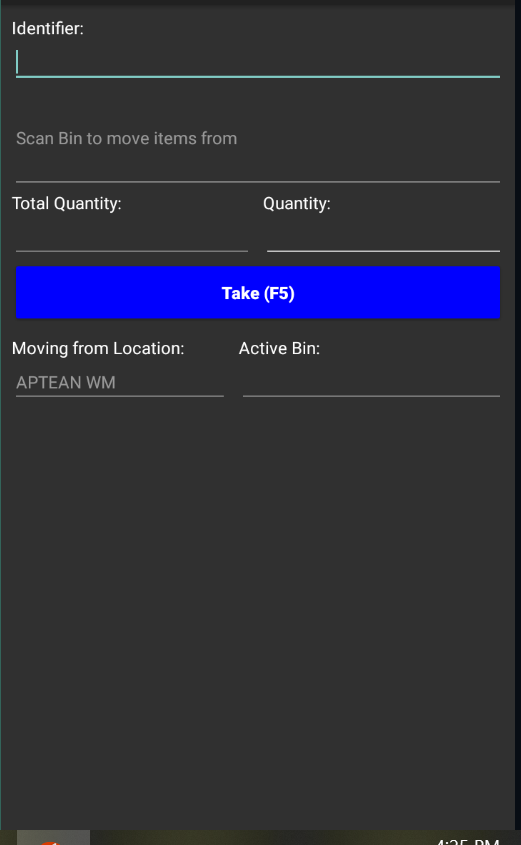
If the Movement page was opened via a quick scan in which a location code or bin code was entered, this information will already be populated. If the Movement page was not opened via a quick scan, the user's default warehouse location will be assigned.